Creator tools & helpers for independent artists
Creator tools and guidance to improve your mixes, recording prep and release workflow.
Make smarter decisions and release with confidence.
No fluff. Just clarity.
Actionable feedback and checklists, not generic tips.
CREATOR HELPERS
Professional guidance before committing to a full system
If you're not sure whether your project is ready, these helpers will guide you.
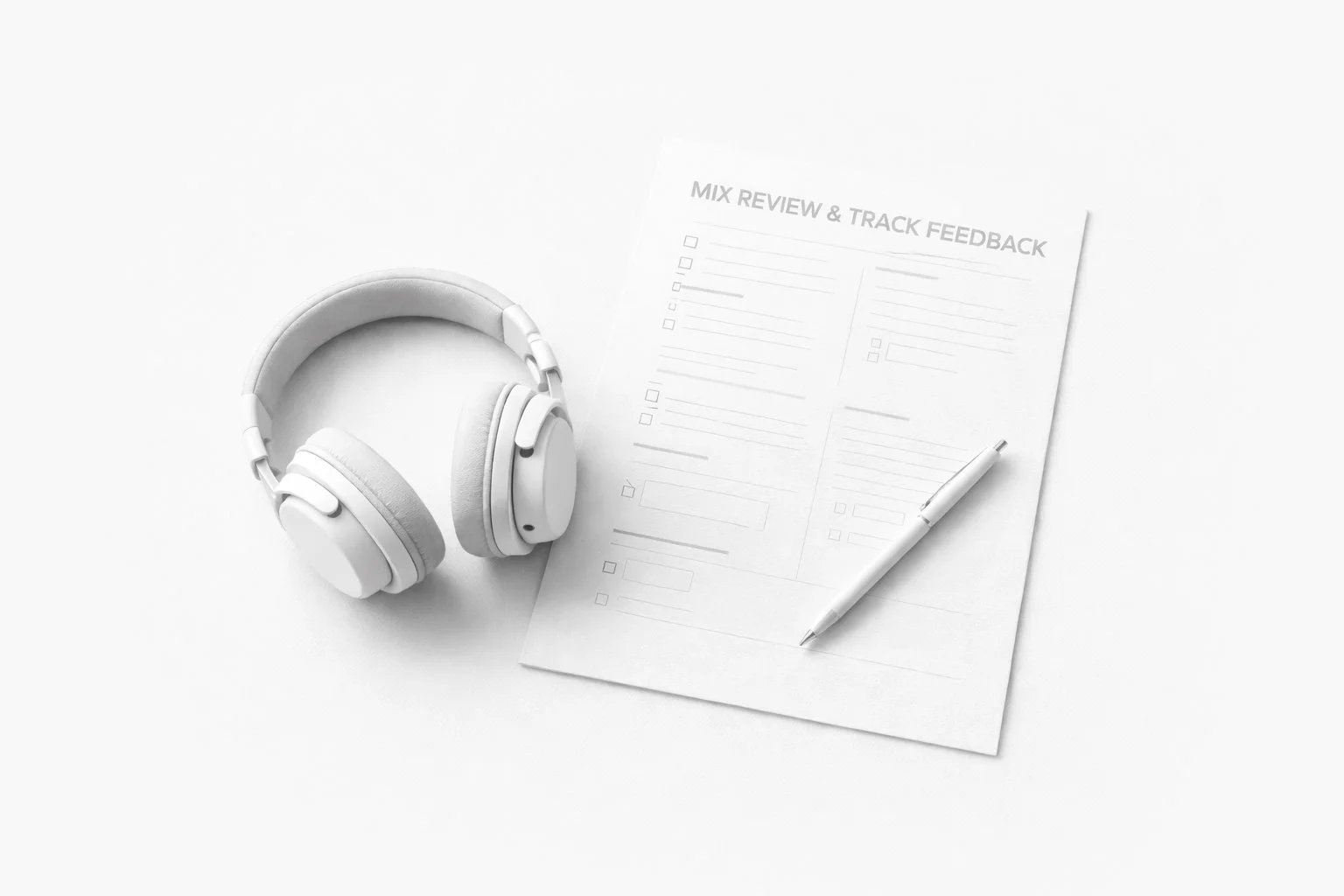
Professional feedback service designed to help independent artists improve their mix before release.
Release-ready feedback for independent artists preparing a track
Focused analysis designed to highlight what can be improved before final mixing.
Order a mix within 7 days of your review and the €39 comes off your total.
A €39 discount code is included with every paid mix review delivery.
Place a mixing order within 7 days of receiving your review and the €39 comes off your total.
This does not apply to the free mix review included with a first order.
Project scope and delivery details
Review type
Written feedback
Typical turnaround
Within 48h (24h when available)
Delivery format
Written report
Work included in this service
• Mix balance feedback
• Vocal level and tone feedback
• Arrangement and clarity suggestions
• Practical suggestions and improvements to improve your track
Best suited for these types of projects
• Independent artists preparing a track release
• Producers working on their own mixes
• Early mix stages before professional mixing
Final delivery
Written feedback delivered as a structured report.
Reviews are available in English or French only.
After the review, a light follow-up can be provided, including feedback on updated versions of your track if needed.
A €39 discount code is included with every paid mix review delivery.
Place a mixing order within 7 days of receiving your review and the €39 comes off your total.
This does not apply to the free mix review included with a first order.
Made to help you improve your mix before release
Detailed written feedback on your track
Mix balance and clarity analysis
Vocal processing and level advice
Arrangement and structure suggestions
Actionable improvement notes
Delivered within 48h (24h when available)
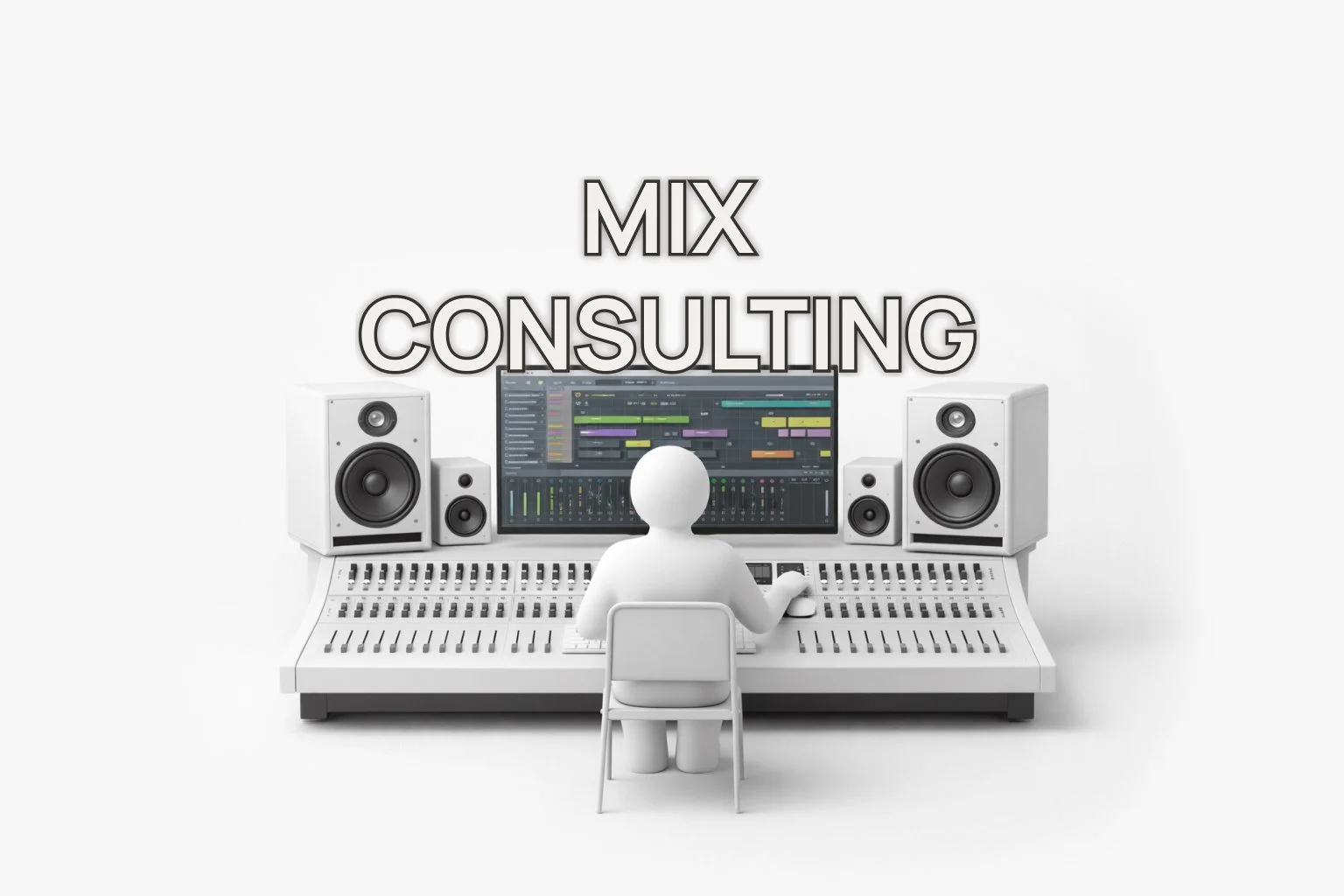
Personal consulting session designed to help independent artists improve their mix.
Release-ready guidance for independent artists improving their mix
Direct feedback focused on practical improvements.
Project scope and delivery details
Session type
Live consulting session
Duration
45–60 minutes
Format
Online session
Work included in this service
• Mix feedback
• Vocal balance guidance
• Processing suggestions
• Practical workflow advice
Final delivery
Clear guidance and actionable improvements discussed during the session.
The session takes place via Discord and includes optional follow-up notes after the call.
Reviews are available in English or French only.
After the review, a light follow-up can be provided, including feedback on updated versions of your track if needed.
Perfect for real-time feedback and guidance
Live 1:1 session (via Discord)
Real-time mix and track feedback
Detailed explanations and advice
Direct answers to your questions
Workflow and production recommendations
available in English or French only
Same professional guidance and structured workflow.
What you’ll receive with every creator helper:
Clear and actionable professional feedback
Structured analysis of strengths and improvement areas
Honest, objective evaluation
Practical next steps to elevate your sound
Direct communication and fast turnaround
This is ideal for independent artists and creators who want clarity before release and for those looking to professionalize their workflow and decision-making.
CREATOR PRODUCTS
Tools for creators (coming soon)
A growing collection of digital tools designed to simplify your workflow.
Recording, mixing & editing templates
Mixing presets
Drum kits & sound packs
Built for independent artists who want better results with efficient workflows.
Coming soon.
Prepare your project properly
Better preparation means better results and faster delivery.
-
Export all stems in WAV 24-bit, consolidated from bar 1
Remove any limiter, EQ or compression on the master
Label each track clearly (Kick, Lead Vocal, Guitar, etc.)
Include 1–2 reference tracks that match your target sound
You can add a separate demo version with limiter or creative effects as an additional reference
Upload a clean folder with only the necessary files
Add clear notes about balance, vibe, references and creative direction
-
Organize footage by scene, location or camera
Name files clearly (Scene1_CamA, Performance_Take2, etc.)
Separate performance shots from narrative shots
Provide the final audio track used for sync
Add clear notes about pacing, style and references
These resources help you avoid delays, technical mistakes and unnecessary revisions.
Guides & checklists to improve and distribute your content
Audio & Mixing
-
Deliver final mixes in WAV 24-bit for best quality
Keep the same sample rate from recording to export
Avoid unnecessary re-exports that reduce quality
-
Leave proper headroom on your mix before mastering
Avoid heavy limiting or clipping on the master bus
Focus on balance and clarity before pushing volume
Compare your mix at equal loudness with reference tracks
Mastering is available as an add-on once your track is fully mixed, ensuring proper loudness, tonal balance and streaming-ready results.
-
Record in a room with minimal echo and reflections
Avoid recording near hard reflective surfaces
Monitor at moderate volume to preserve objectivity
Check your mix on headphones, studio speakers, phone speakers and in a car for real-world translation
Video
-
Structure long-form content clearly before editing
Provide synced camera files when possible
Keep framing consistent between cameras
Remove unnecessary pauses and repetitions before submission (if possible)
Release & Distribution
-
Deliver a clean final mix with proper headroom
Ensure accurate metadata (artist name, title, credits)
Prepare high-resolution square cover artwork
Plan your release timeline in advance
Once your mix is complete, professional mastering can be added to achieve proper loudness standards (LUFS), tonal balance and platform-ready optimization for Spotify, Apple Music and other streaming services.
-
Provide final release intentions (main platform, vertical or horizontal focus)
Indicate if short-form versions will be required
Share any platform-specific requirements in advance
Confirm visual branding consistency across formats
All export versions, aspect ratios and compression settings are handled during the editing process to ensure platform-ready delivery.
-
Plan short preview clips for social media
Consider adding a Spotify Canvas loop for music releases
Maintain consistent visual and audio branding
Schedule releases strategically rather than publishing randomly
These elements can be integrated directly into your editing or release workflow when requested.
These resources help you improve quality before and after production.
Creator Tools FAQ — Preparation, Feedback and Professional Guidance
-
Creator Tools are services and upcoming products designed to help artists and creators improve their sound, their mixes and their releases with clear guidance and professional support.
-
Creator Tools are designed for artists, producers and creators who want to improve their sound, their mixes and their releases.
Whether you’re preparing a release, improving your production or learning mixing, these tools can give you clear guidance and professional feedback.
-
You’ll receive clear and actionable feedback on your track including balance, clarity, vocal mix, instrumental mix and overall direction, with practical suggestions to improve your mix.
You can also specify in the requirements form if you want feedback on something specific. -
You will receive detailed and actionable feedback on:
mix balance and levels
EQ and frequency issues
vocal processing
arrangement and structure
overall clarity and impact
When ordering, you’ll complete a short form to guide the feedback and focus on what matters most to you.
For example, if you only want feedback on vocal mixing or a specific part of your track, the review will be tailored to that.
-
The session takes place on Discord only.
We’ll go through your track together in real time, discuss your mix, answer your questions and give you clear guidance on what to adjust.
You will be asked to provide your availability and send your track in advance through the form so it can be reviewed before the session. -
Yes, a light follow-up is included in every consulting or feedback service.
You can send an updated version of your track and receive additional light feedback at no extra cost. -
Written feedback is typically delivered within 48 hours (24 hours depending on availability).
Live consulting sessions are scheduled based on your availability.
Sessions usually range from 25 minutes to over one hour depending on your track, needs and questions. -
Track feedback is designed for standard songs of about 2 to 5 minutes.
For longer tracks or multiple songs, a custom option can be arranged. -
You can send your track in WAV or MP3 format.
For best results, we recommend high-quality WAV exports. -
No, this service provides feedback and guidance so you can improve your mix yourself.
If you want a full professional mix, you can check the audio mixing services. -
Yes, creator tools work seamlessly with all major Digital Audio Workstations (DAWs), including Ableton Live, Logic Pro, Pro Tools, and FL Studio.
Whether you’re submitting a track for detailed feedback or joining a live consulting session, the process integrates naturally with your existing production workflow.
Sessions are conducted directly around your project and creative process, making the guidance immediately applicable inside your DAW.
-
Yes, many artists use feedback first, then move to audio mixing or release packs once their track is ready.
BUILT FOR ARTISTS WHO WANT TO LEVEL UP
Practical tools and professional guidance for independent artists, who want structured workflows, better decisions and higher-quality releases.
Creator Tools are ideal for:
Independent artists preparing their first professional release
Home studio producers who want objective feedback before mixing
Artists transitioning from amateur to professional standards
Ready to move from preparation to release-ready results?
Need a music video or content edit for your release?
Get dynamic and platform-ready visuals to match your track.
Need your track professionally mixed?
Get a clean, release-ready mix tailored to your sound.
Need release-ready sound and visuals?
Combine mixing and music video editing to get everything you need for your release.
Not sure which option is right for you?
Visit the FAQ or get in touch.
Creator Tools Summary
Service:
Creator Feedback & Consulting
Best for:
Independent artists who want professional feedback before finalizing a project.
Scope:
Depending on the selected tool:
• detailed track feedback and mix review
• consulting session to improve a mix or production
• actionable recommendations to prepare a project for release
These tools help creators identify improvements before investing in full mixing, music video editing or full post production system.
Delivery:
Feedback and consulting sessions are delivered after reviewing the submitted material.
Outcome:
Practical guidance to improve a project before its final production stage.
Pricing:
Creator tools are available tailored to the type of feedback or consulting requested, starting at 39€.
Release-ready production built for independent artists.
You upload your files. Syncer handles the rest.